
In this article, you will learn how to:
Rename your payment options, "cash/check" and "credit/debit"
Renaming Your Payment Options
"Cash/check" and "Credit/debit" are the two types of payment options available in the BookingKoala software. "Cash/check" refers to any payment that takes place outside of BookingKoala, while "Credit/debit" refers to payments that a payment processor processes.
To learn more about the payment options available in BookingKoala, click here.
However, you may want to change the names of these options, especially if you do not accept cash/checks as payment and want to put other forms of external payment options like "Zelle/CashApp/Bank Transfer" instead.
Whatever the case may be, you can change the names that appear on your booking form through the Website & Theme Builder. Please go to:
Settings > Design Forms & Website > Website Builder & Themes > Customize Theme
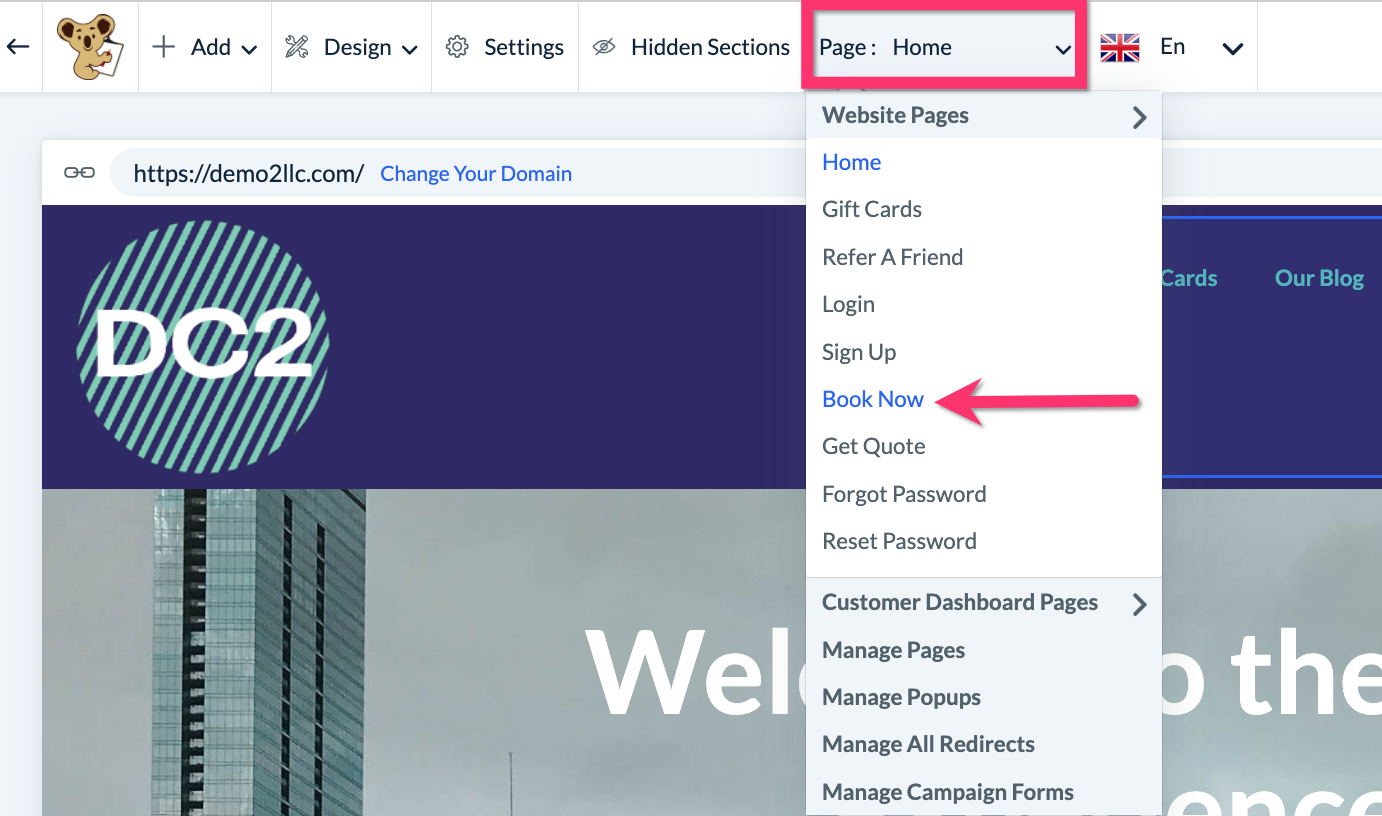
Once the web builder loads, clock on the top center Page menu and select the "Book Now" page.
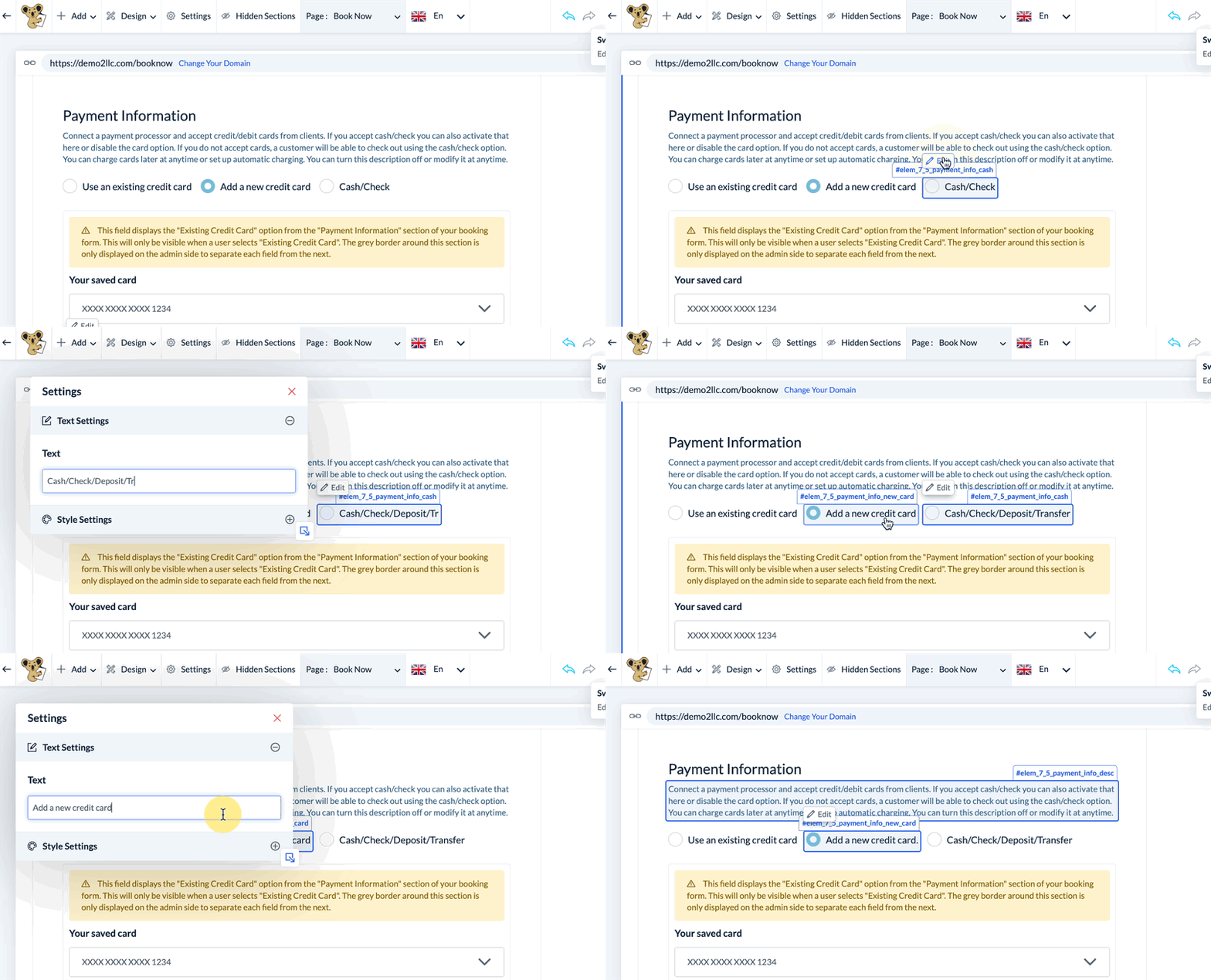
Scroll down the booking page until you reach the Payment Information section. Click on the payment method option you would like to edit and click the Edit button that appears.
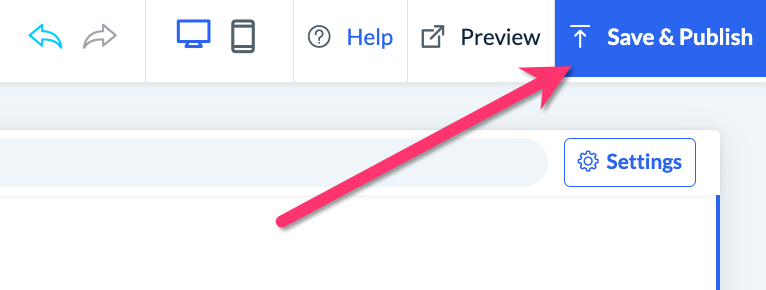
Once you've entered the new text, be sure to click the Save & Publish button in the top right corner of the page.