
The purpose of this article is to help you understand:
Where to manage the rest of your forms and pop-up settings
What are "other forms" and popups?
Simply put, "other forms" means any other forms that can be found in the system, including the main system forms like your booking form, pop-ups, hiring forms, campaign forms, and short forms.
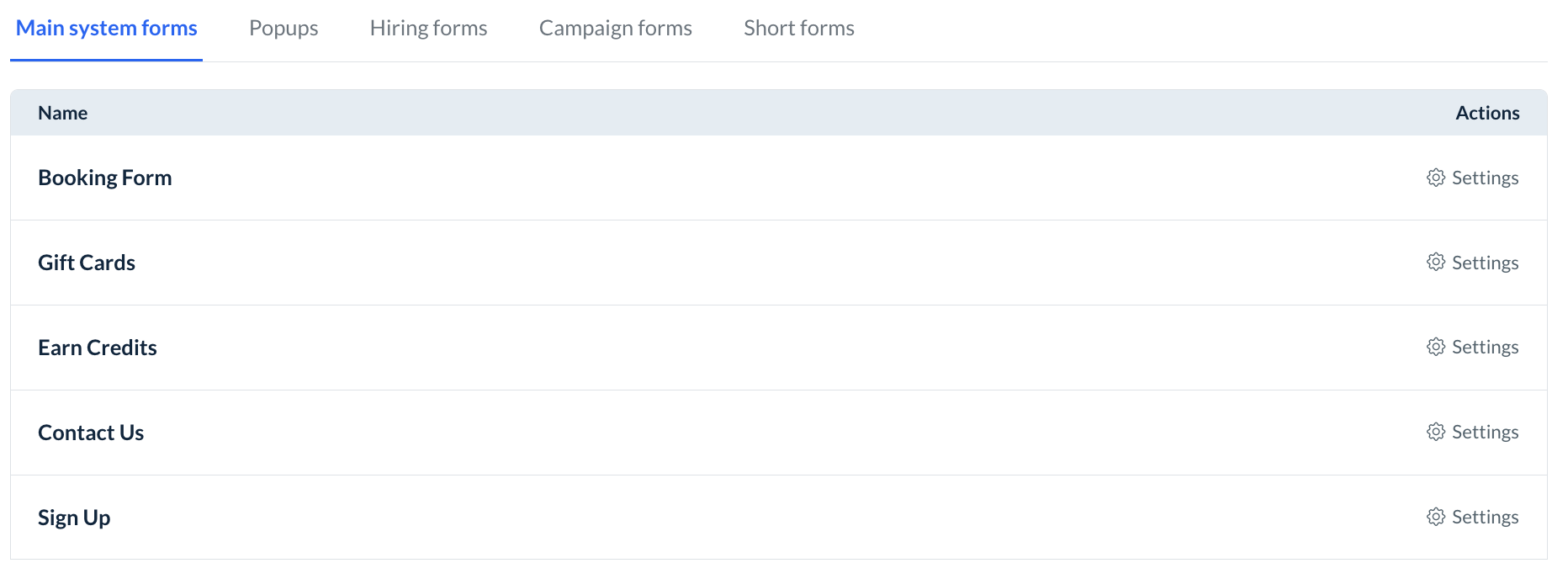
Thanks to the new Leads Module, all of these system forms and pop-ups can now be connected to your lead funnels.
Other System Forms & Popups
Beyond the lead form and the action form, there are other forms and pop-ups found throughout the BookingKoala system. To manage how these forms and pop-ups connect to your campaign audiences, go to the Forms section and click on the Other System Forms and Pop-Ups tab.
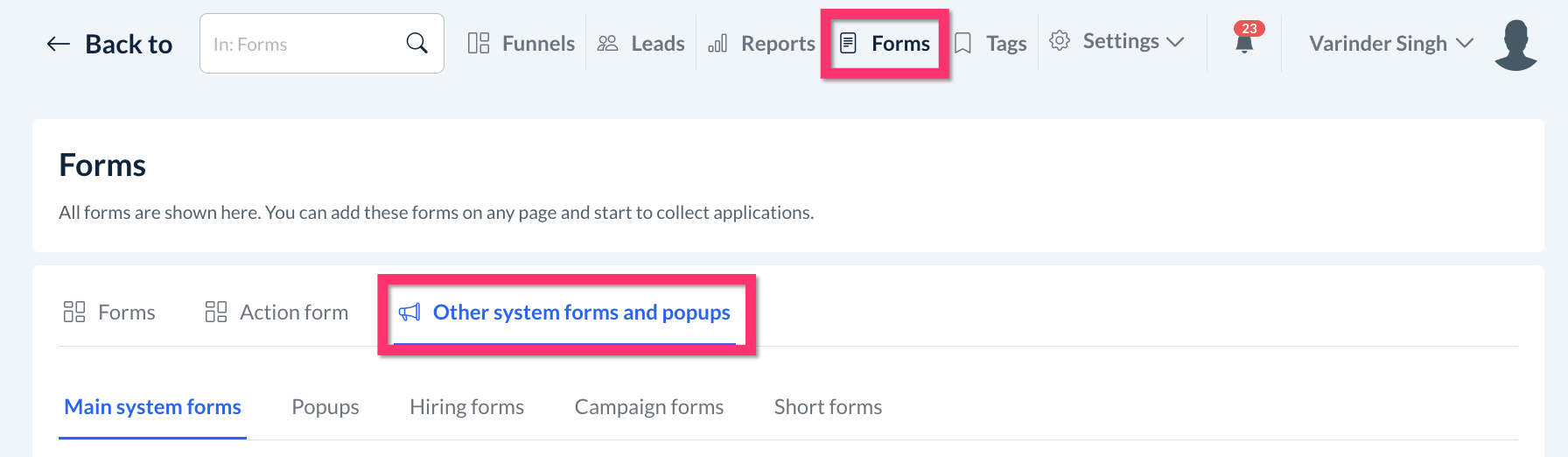
There are 5 categories within this tab:
Main System Forms
Booking Form
Gift Cards page
Earn Credits page
Sign Up page
Pop-Ups
Click here to learn how to add a pop-up to the BookingKoala website and theme builder.
Hiring Forms
Click here to learn how to build a hiring form.
Campaign Forms
Click here to learn how to build a campaign form.
Short Forms
Coming soon!
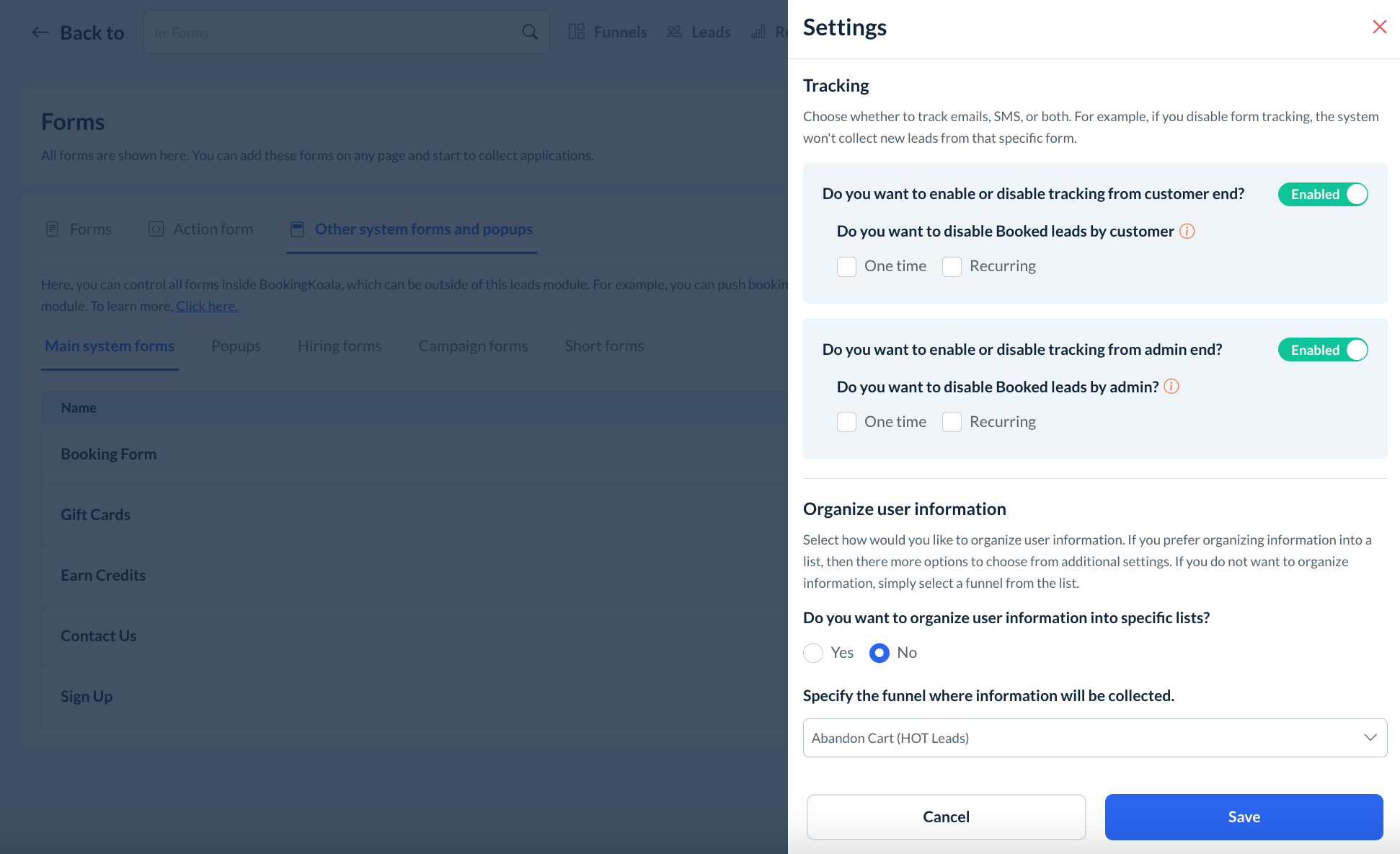
Use the options under the Actions column to Enable/Disable tracking for each form/pop-up and the Settings option to control which lists leads are sorted into.

Under the Settings section, you can sort users into specific lists per this article.